MQTT Basics
MQTT Publish and Subscribe Explained for Real-World IoT Debugging
Understand MQTT publish and subscribe behavior through practical debugging examples for topics, brokers, message flow, and client testing.
Who this guide is for
New MQTT users, app developers adding MQTT support, makers, and support teams diagnosing device communication.
Problems this guide helps solve
- Publishers and subscribers are decoupled, so it is not obvious where messages disappear.
- Topic naming mistakes look like delivery failures.
- Testing through firmware alone creates slow feedback loops.
- Wildcards can help discovery but can also hide bad topic design.
The model in one paragraph
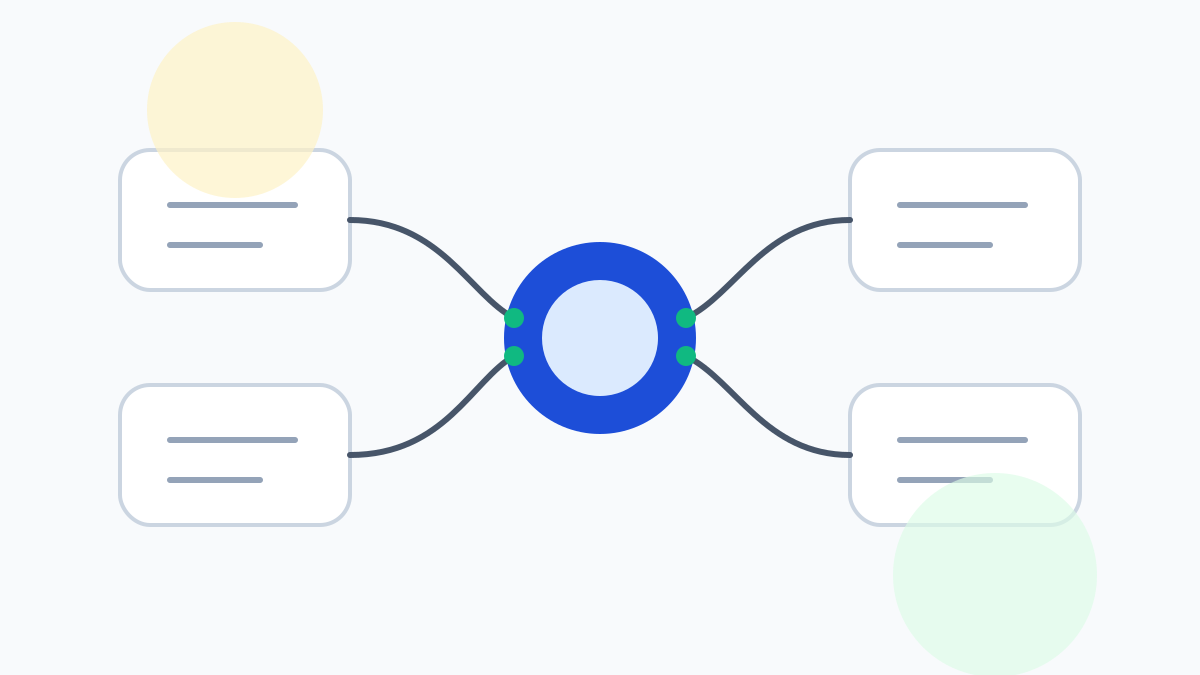
MQTT uses a broker between publishers and subscribers. A publisher sends a message to a topic. A subscriber receives messages from the topics or topic filters it subscribes to. The publisher usually does not know which clients receive the message, and the subscriber usually does not know which application produced it.
That decoupling is why MQTT works well for IoT, telemetry, home automation, and device command systems. It is also why debugging requires a clear view of both sides of the message flow.
How publish/subscribe fails in practice
In real systems, publish/subscribe problems are often simple but hard to see. The device may publish to a topic with different capitalization. The subscriber may use a filter that is too narrow. The broker may reject a publish because the credentials allow read-only access. A retained message may appear even when the device is offline.
A practical MQTT client helps because it lets you act as either side of the system. You can subscribe like the application, publish like the device, and narrow the failure without redeploying code.
- Subscribe to the expected topic before publishing a test message.
- Publish a small controlled payload that contains no sensitive data.
- Compare exact topic strings, including case.
- Test with and without retained messages when broker state is unclear.
- Use a mobile client when the issue may depend on network location.
Topic design affects debugging speed
Good topic design makes publish/subscribe behavior easier to inspect. Stable levels such as environment, device, signal, and event type make filters predictable. Overloaded topic segments slow teams down because every debugging session requires interpretation.
If you cannot quickly describe which topic branch a device should publish to, the topic structure is probably doing too much hidden work.
Common debugging mistake: testing only one side
A publish/subscribe issue should be tested from both directions. If the app is not receiving data, act as the subscriber first and confirm whether the broker has any matching messages. Then act as the publisher and send a controlled message to the same topic. This separates receiving problems from publishing problems.
This two-sided check is faster than changing firmware, redeploying a backend, and hoping the next run explains the issue. It also produces clearer evidence for teammates because each result is tied to one part of the message path.
Use AirMQTT to shorten the feedback loop
AirMQTT is designed around the core MQTT loop: connect, subscribe, publish, filter, and repeat. That is the loop people need when they are trying to prove whether the broker, device, or application is responsible for a failure.
The benefit is not theoretical. Every avoided rebuild, every avoided laptop trip, and every faster field check adds up when MQTT is part of the daily workflow.
FAQ
What does publish and subscribe mean in MQTT?
Publishing means sending a message to a topic on the broker. Subscribing means asking the broker to deliver messages that match a topic or topic filter.
Can one MQTT client publish and subscribe?
Yes. An MQTT client can publish messages and subscribe to topics, which is useful for testing and debugging broker behavior.